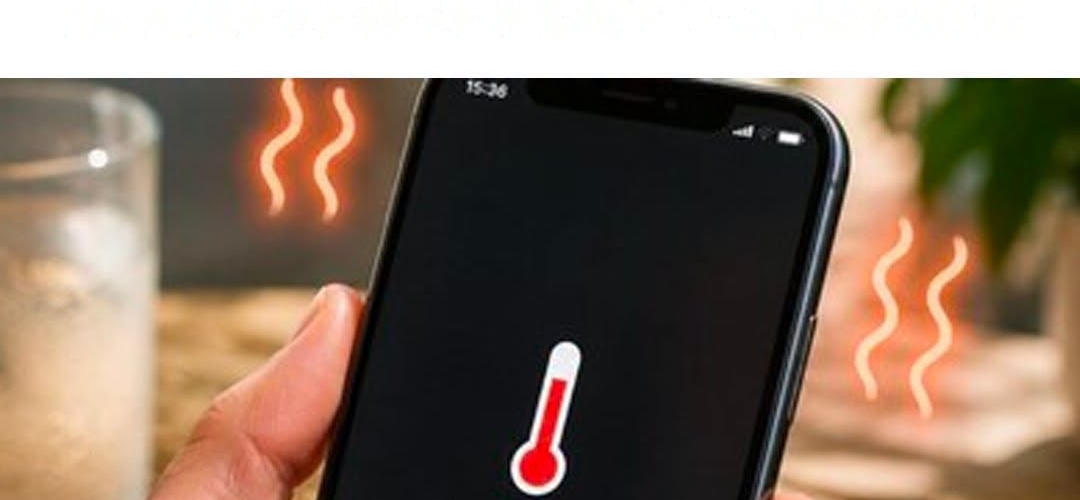
When your iPhone overheats in the summer, the display often dims, charging stops, or apps start lagging. In the worst case, the classic temperature warning appears and the device turns off to protect the battery from permanent damage.
With these 5 effective settings, you can drastically reduce the load on the processor and display and prevent overheating on hot days.
The 5 most important settings to combat the heat
Downgrade 5G to “LTE”
Searching for 5G towers and transmitting large amounts of data over 5G uses a lot of power and can cause the modem chip to overheat very quickly in the summer.
Method: Settings → Cellular → Data Options → Voice & Data
Setting: Select LTE or 5G automatically instead of “5G on”.
Limit screen brightness and use auto-brightness
The display is one of the biggest heat generators. When the sun shines on the screen, iPhone automatically increases the brightness to maximum (peak brightness), which generates a lot of heat.
Path: Settings → Accessibility → Display & Text Size
Setting: Enable auto-brightness at the bottom or manually lower the brightness in Control Center.
Enable Low Power Mode
Low Power Mode slightly reduces the processor frequency (CPU/GPU), disables background app refreshes, and limits the refresh rate (on Pro models). Less processing power = significantly less heat generated.
Path: Settings → Battery
Setting: Enable Low Power Mode (or turn it on in Control Center).
Limit background app refreshes
Many apps (e.g. social media apps, navigation apps) refresh data in the background, even when your iPhone is locked and in the sun.
Path: Settings → General → Background App Refresh
Setting: Turn the feature off completely or disable it specifically for data-intensive apps.
Limit Location Services
GPS modules use a lot of power and generate heat – especially when multiple apps are accessing your location in the background at the same time.
Path: Settings → Privacy & Security → Location Services
Setting: Set unnecessary apps to While in Use or Never.
3 golden tips for hardware on hot days
Remove the case: Thick protective cases (especially those made of rubber or leather) act as an insulating layer and prevent your iPhone from dissipating heat through the case.
Don’t charge in the sun: Charging the battery generates heat anyway. Never charge your smartphone in direct sunlight or on the dashboard of a car during the summer.
Never put it in the refrigerator! The extreme temperature difference causes condensation inside, which can lead to water damage. Instead, let it cool in the shade on a cool surface.